3. Conversations & Events
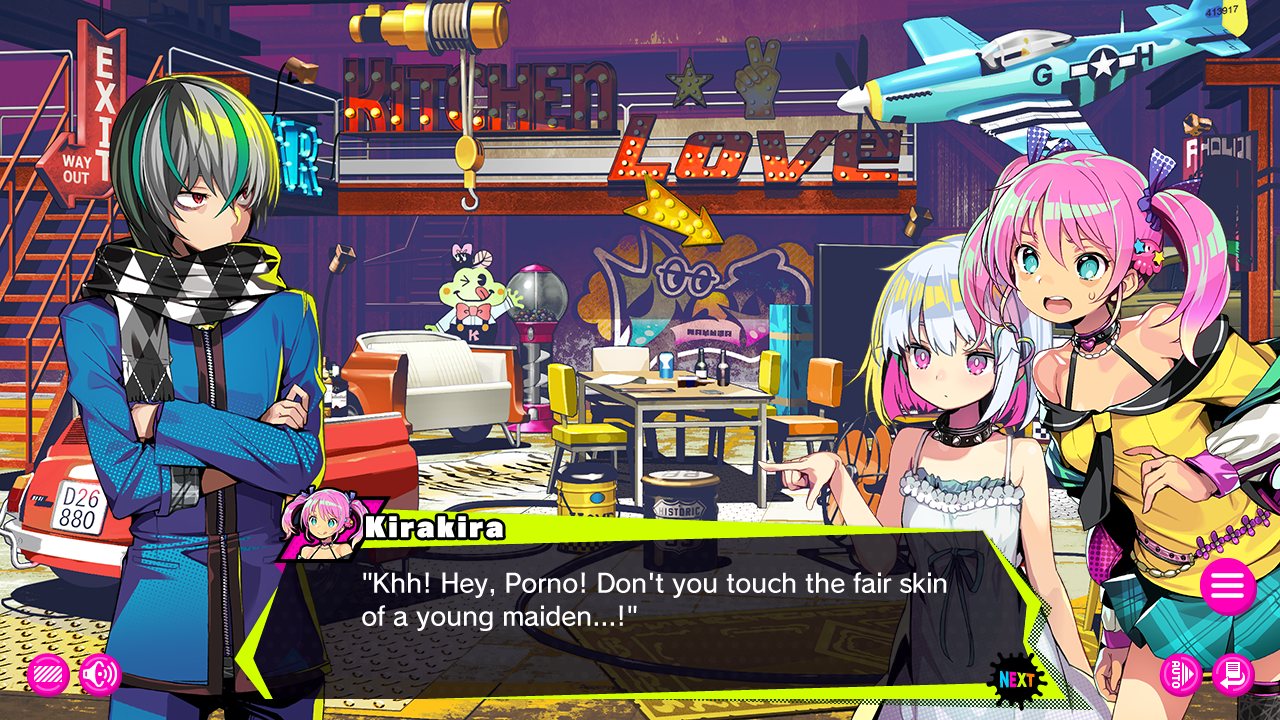
Click to proceed through lines of text.
Click the hamburger icon (three horizontal lines) to access the System menu.
The shortcut buttons in the lower left and lower right-hand corners of the screen can also be reassigned via the System menu.
System Menu
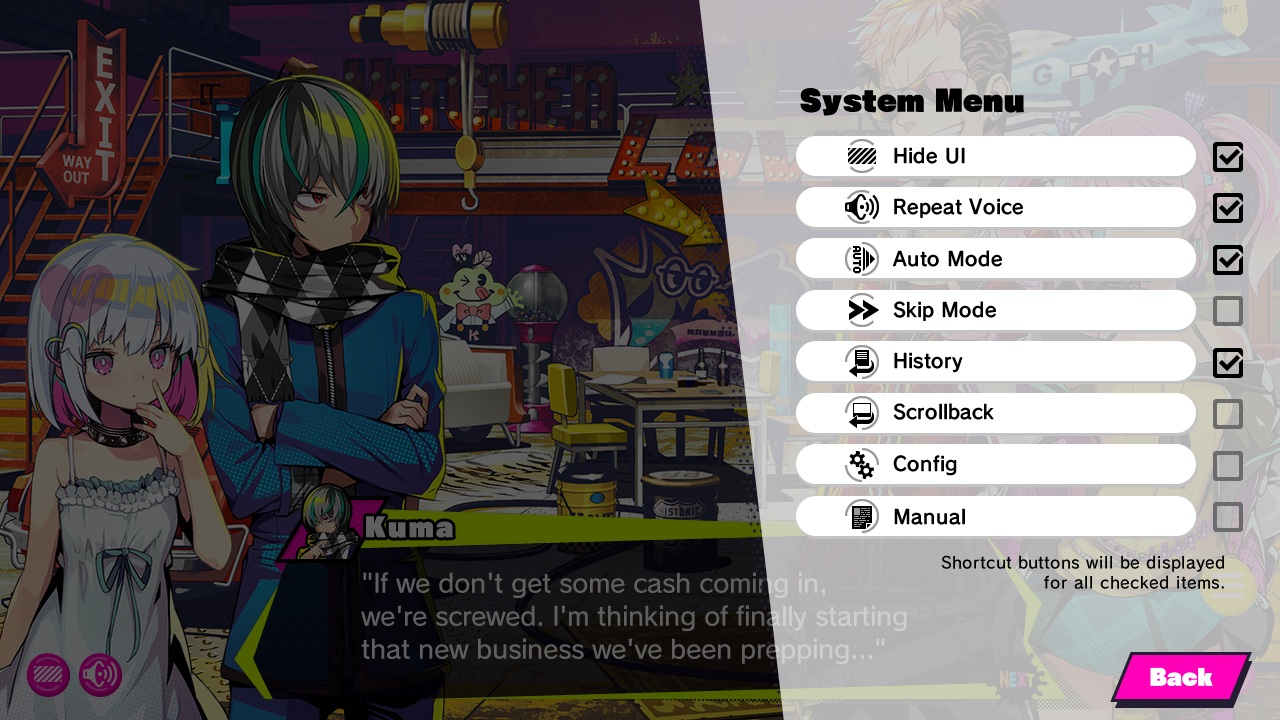
Hide UI
Temporarily hides the text area and surrounding UI.
Repeat Voice
Replays the voice associated with the current line.
Auto Mode
Allows text to proceed automatically, according to the settings in the Config menu.
Skip Mode
Allows text to be skipped, according to the settings in the Config menu.
History
Allows you to check previous text lines.
Scrollback
Allows you to rewind through scenes as they played out.
Config
Opens the Config menu, where you can change various game settings.
⇒ Config
Manual
Opens this manual.
Other Controls
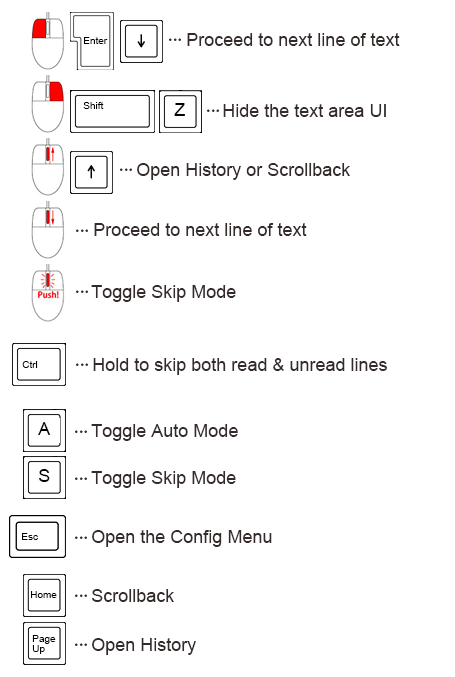
These are the other mouse and keyboard controls available while the text area UI is visible.